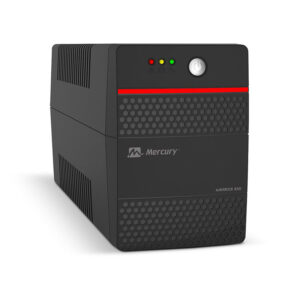
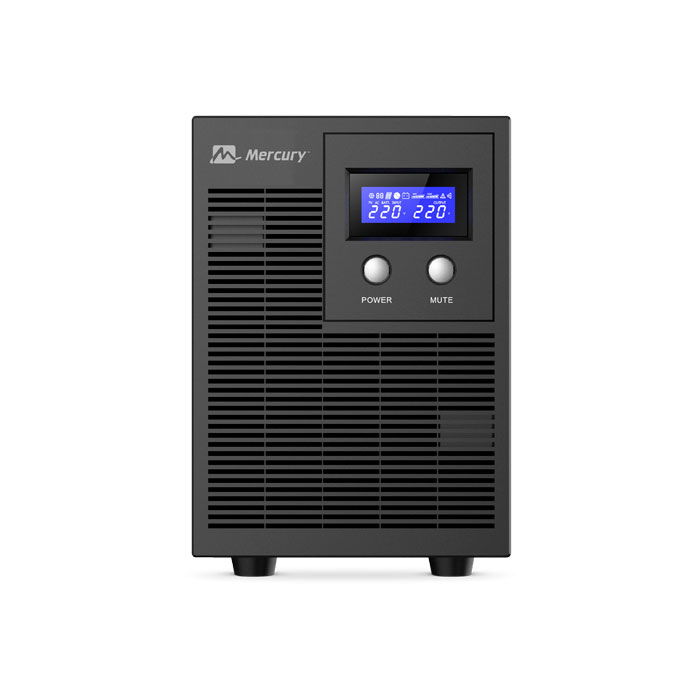
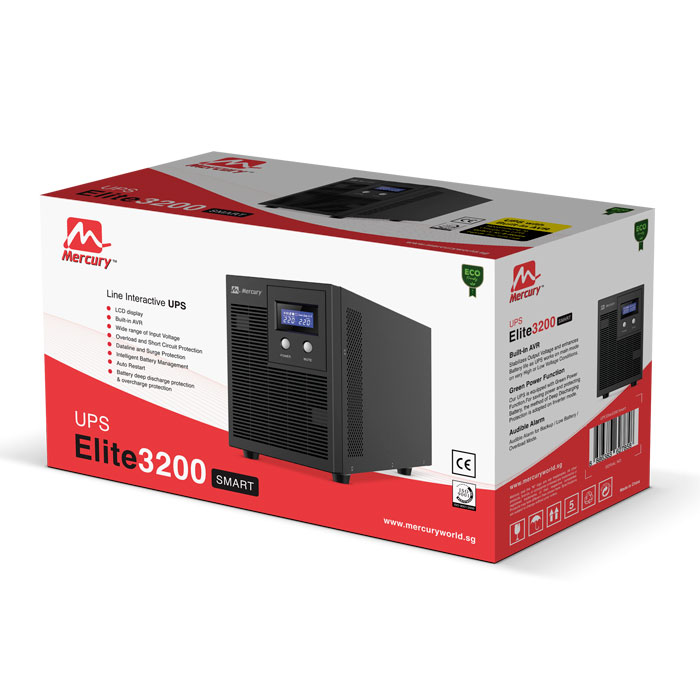

Onduleur Mercury Elite 3200 VA Smart Line Interactive
150 000 CFA
Écran LCD
AVR intégré
Large plage de tension d’entrée
Protection contre les surcharges et les courts-circuits
Protection des lignes de données et des surtensions
Gestion intelligente de la batterie
Redémarrage automatique
Protection contre la décharge profonde de la batterie
et la surcharge
Description
Onduleur Mercury Elite 3200 VA Smart Line Interactive
Onduleur Mercury Elite 3200
Capacity 3200
Capacity(Watts) 2000W
Input
Input Voltage Range 140~ 300 Vac
Frequency Range 40-70 Hz
Output
On Battery Output Voltage Simulated Sine-wave at 220Vac +/-10%
On Battery Output Frequency 50/60Hz
Overload Protection On Utility: breaker
On Battery: Internal software Limiting
Battery
Voltage 24Vdc
Charger Current 1.5A +/-0.2A(Normal)
Indicators
Display LCD
Alarm Battery mode: Sounding every 30 seconds
Low battery: Sounding every 2 seconds
Over load: Sounding every 0.5 seconds
Fault: Continuous sounding
Physical
Total UPS outlets (Different types of sockets can be customized)
Maximum Dimensions
(WxHxD) (mm) 151mm x 225mm x 390mm
Weight (kg) 19 Kgs
Communication
Software Windows 7/ 8/ 10/ Windows Serve 2016
Indicators AC Mode, Power On, Battery mode, Fault
Audible Alarms Low Battery, Overload, Fault
Environmental
Operating Temperature +32°F to 104°F ( 0°C to 40°C )
Operating Relative Humidity 0 to 90% NON-CONDENSING
Management
Auto-Charger Yes
Auto-Restart Yes
Alarm Conditions
Off Normal
Beep 1 time In Every 30 Seconds Utility Failure – The UPS is providing battery power to outlets.
Beep 1 time In Every 2 Seconds Utility Failure – The UPS is providing battery power.
The rapid beeps indicate the battery will run out of power
shortly.
Beep 1 time In Every 0.5 Second Overload – Occurs when connected equipment exceeds
the rating of the unit. Turn the UPS off and unplug at least
one piece of equipment from the UPS.
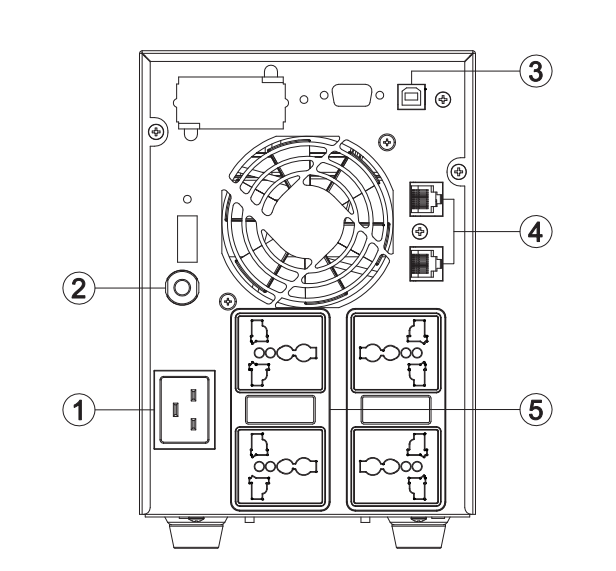
1.AC Inlet
Connect to utility power through the input power cord.
2.Input Circuit Breaker
The circuit breaker provides optional overload protection.
3.USB Port to PC
This port allows connection and communication from the
USB port on the computer to the UPS unit.
4.RJ45/RJ11 Communication Protect Port
This port will protect any standard modem, fax, telephone line,
or network cable.
5.AC Outlet
The UPS provides outlets for connected equipment to insure
temporary uninterrupted operation during a power failure and
against surges and spikes.
(Different types of sockets can be customized)
Produits similaires


Le prix initial était : 25 000 CFA.23 000 CFALe prix actuel est : 23 000 CFA.